DWG to PDF conversion gives colleagues a drawing they can open and print without CAD software. Choose a file and get a clean vector PDF on this page.
Free, no watermarkLocal by defaultNo installation
DRAWING INPUTDWG / DXF / DWT
Drop your drawings here
Drag a file onto the grid, or choose one below.
Up to 100 MB per file · 10 files per batch
Advanced options
PDF settings apply to every file in this batch. You can change them again in the workspace.
50 / 50 free tasks left today · UTC
OFFICIAL PRACTICE DRAWINGS
Explore the sample library.
Original drawings made by CADEditor. Try the tools without uploading a file. Opening a sample uses one free task; your drawings never appear in this collection.
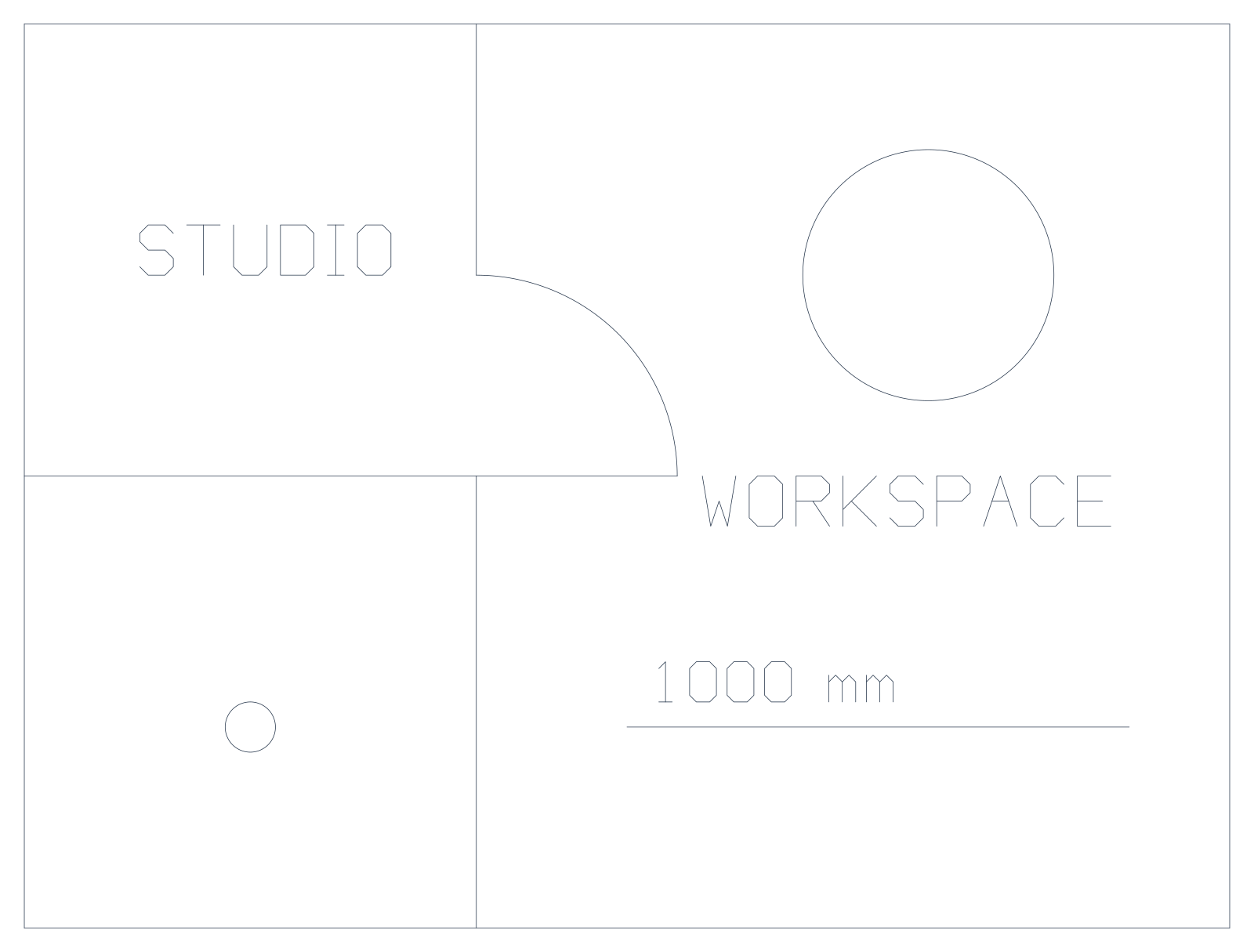
Architecture · DXF
Studio floor plan
A compact plan with walls, a door swing, furniture and annotation.
Drawing size
2,400 × 1,800 mm
File details
0.9 KB · 5 layers · 15 entities
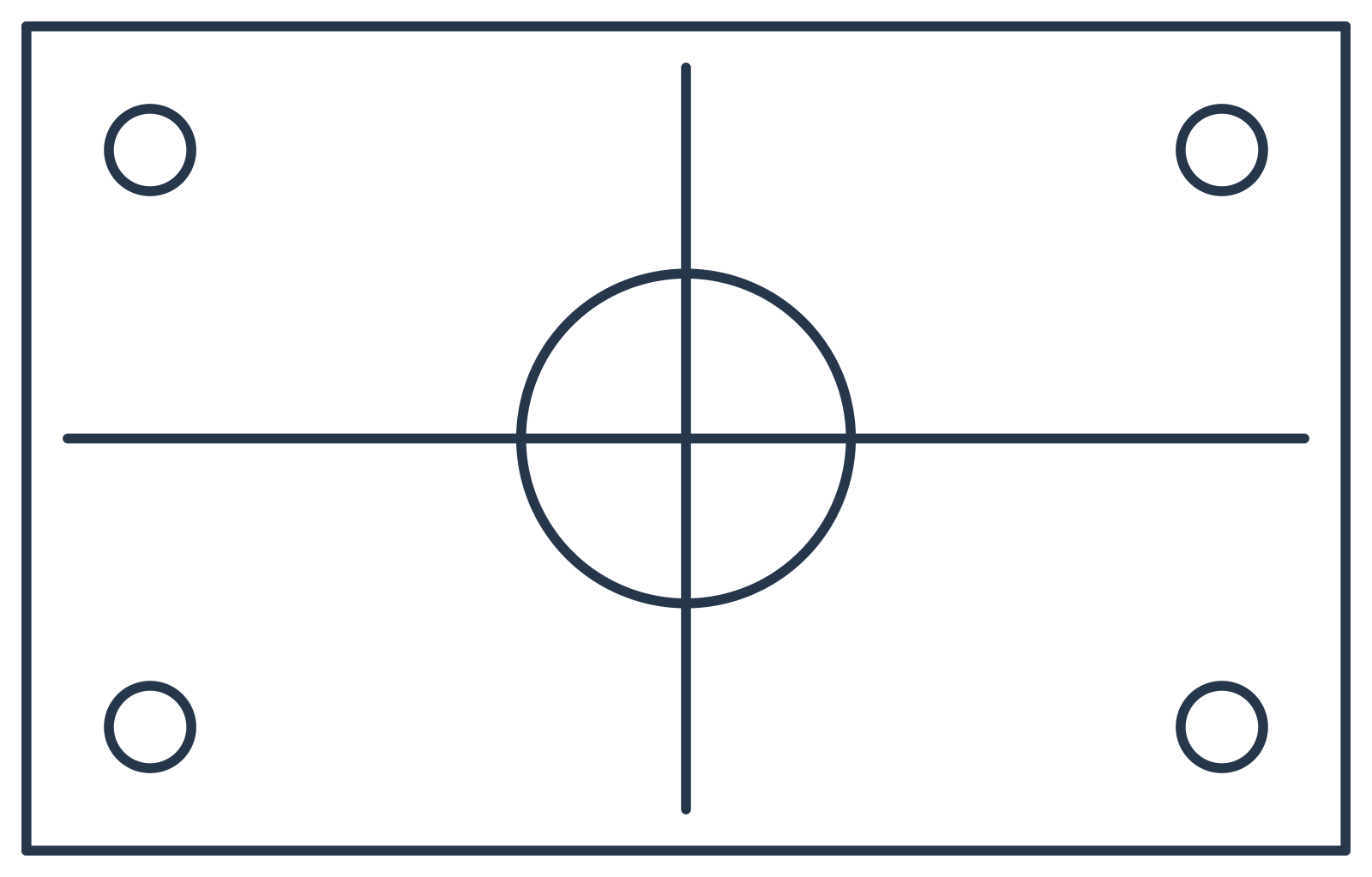
Mechanical · DWG
Mounting plate
A rectangular plate with four fixing holes, a central bore and centre lines.
Drawing size
160 × 100 mm
File details
22.3 KB · 5 layers · 11 entities
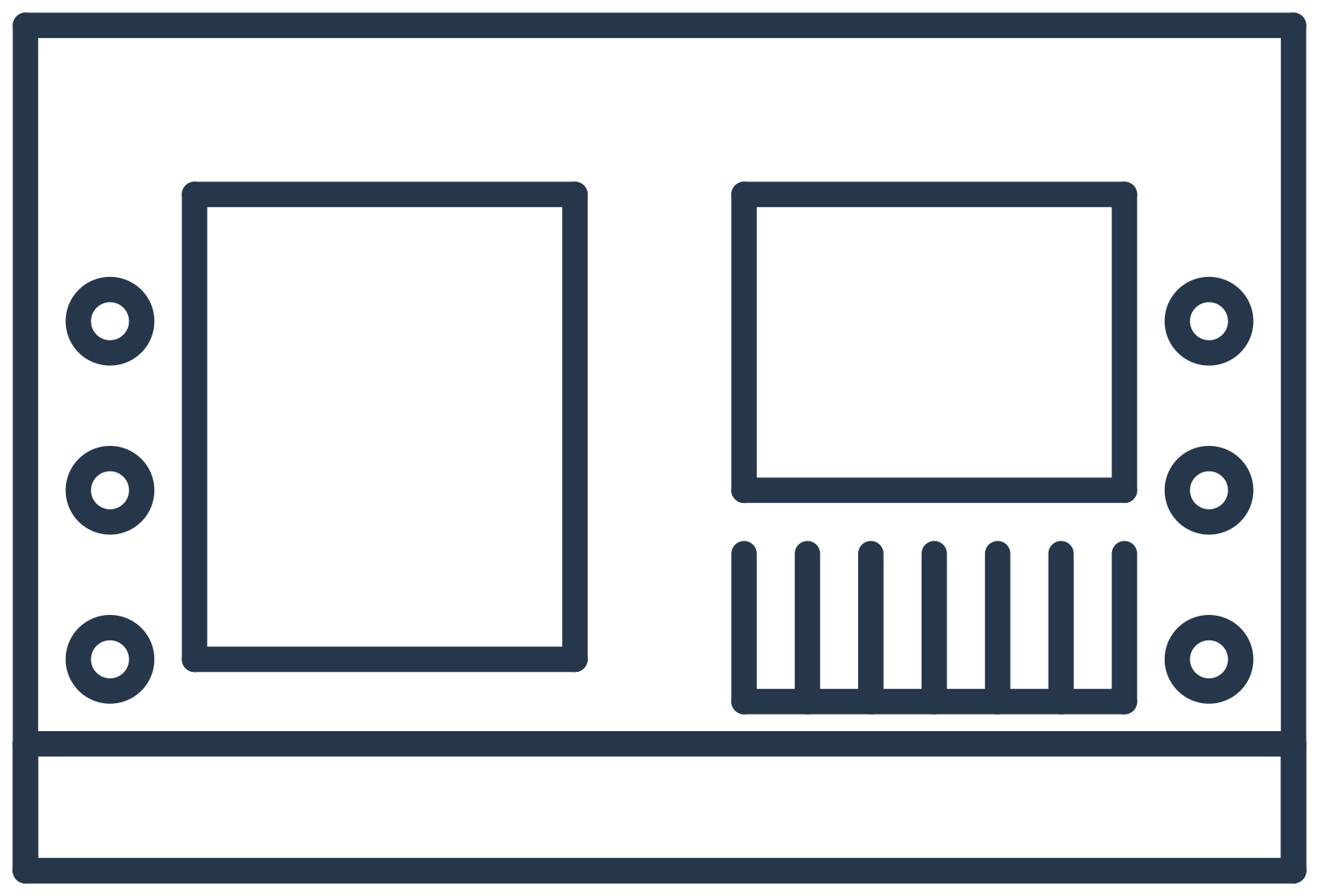
Site planning · DXF
Small site layout
Two building footprints, an access lane, parking bays and landscape markers.
Drawing size
60 × 40 m
File details
19.6 KB · 6 layers · 30 entities
Processed locally — your file never leaves your device unless you choose to share or save.
How to Convert DWG to PDF
Choose a drawing
Open a file up to 100 MB, or select up to 10 files for a batch.
Choose the result
Select the output format. For PDF, set paper size, orientation, layers and color if you need to.
Take your file
The result downloads when it is ready. Download again or convert another file without leaving the page.
Why Convert DWG to PDF?
A PDF can be reviewed without a CAD application. Vector output keeps lines sharp when zooming and printing, and a watermark-free page is ready to pass on.
Keep the original drawing if you need to make changes later.
Batch Conversion
Convert up to 10 drawings in one batch. Each file uses one of your 50 daily file tasks. You see a separate result for every file; a failed file is never presented as a successful conversion.
Set Up the PDF You Need
Advanced options stay out of the way until you need them. Choose A4 or Letter, portrait or landscape, visible layers and color or black-and-white output. Change a setting and convert again without choosing the source file again.
Your Drawing Stays on Your Device
Viewing, converting and editing happen in your browser. Your drawing is uploaded only when you confirm Share or Save to Cloud. Local history is off until you choose Save on this device.
A FEW USEFUL ANSWERS
Frequently asked questions
How do I convert DWG to PDF for free?
+
Open your DWG file, choose any page settings you need and convert. There is no payment step and no watermark.
Does the output keep vector quality?
+
Yes. The PDF preserves drawing geometry as vector paths, so lines remain sharp when you zoom or print. Check the result at the intended paper size and scale.
Can I convert multiple DWG files at once?
+
Yes. Select up to 10 files. Each file counts as one daily task; you need enough remaining tasks for the whole batch.
Does it support DWG and DXF?
+
Yes. DWG and DXF each have a dedicated converter, and CAD to PDF also accepts DWT templates.